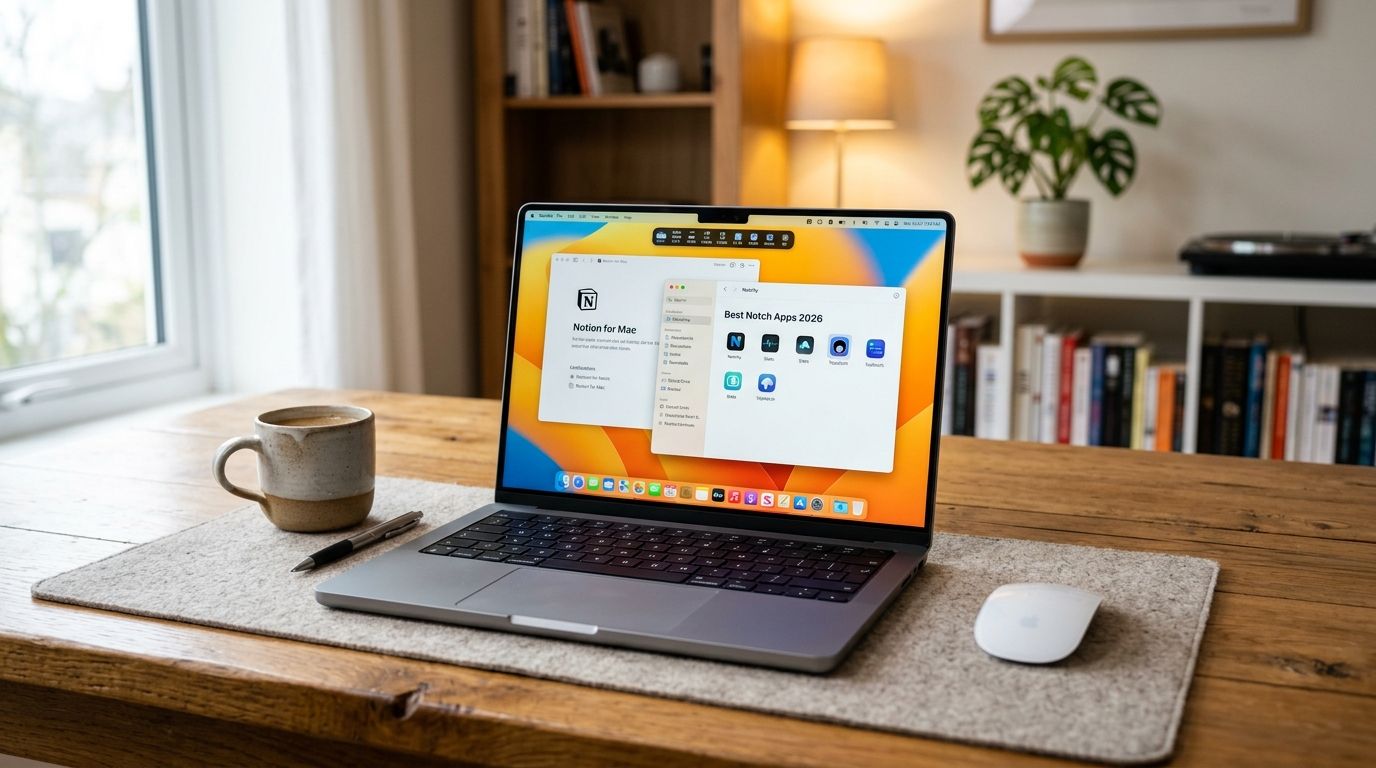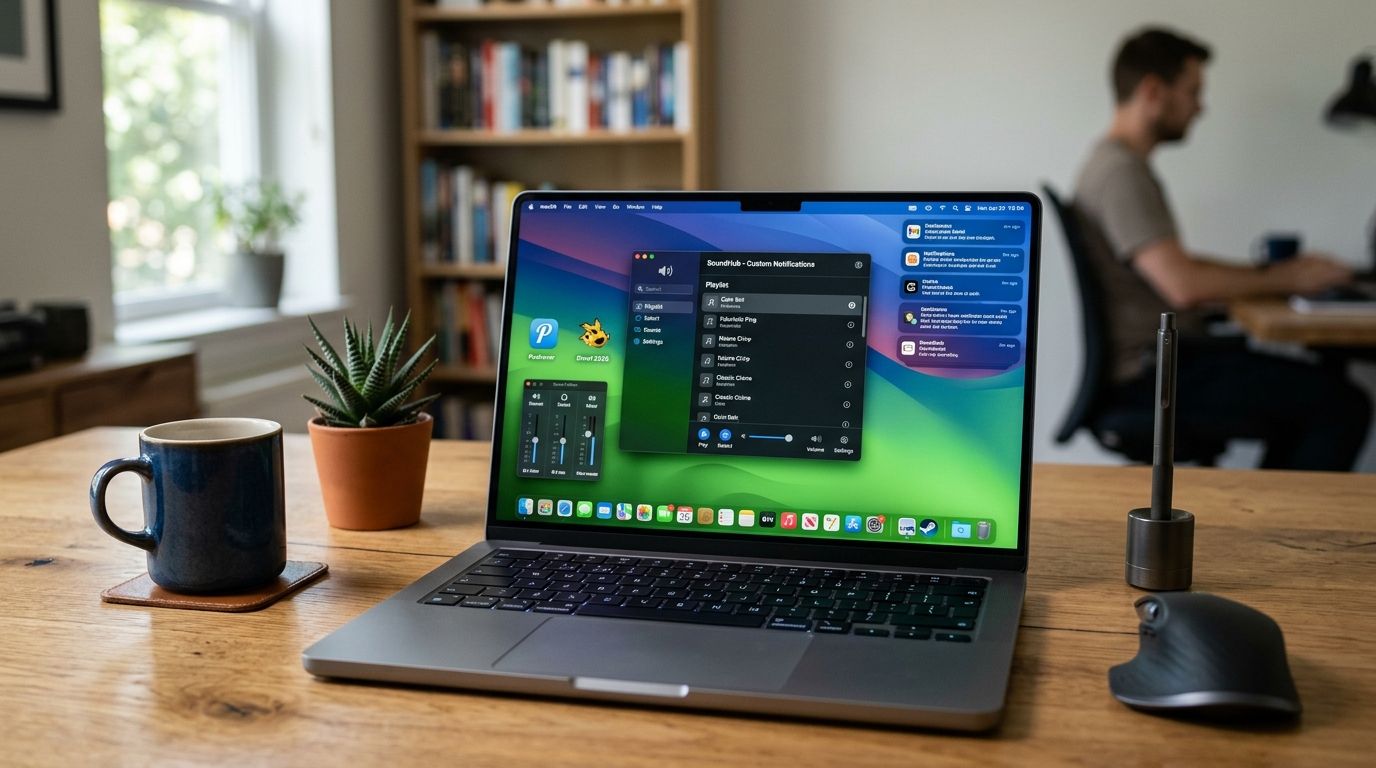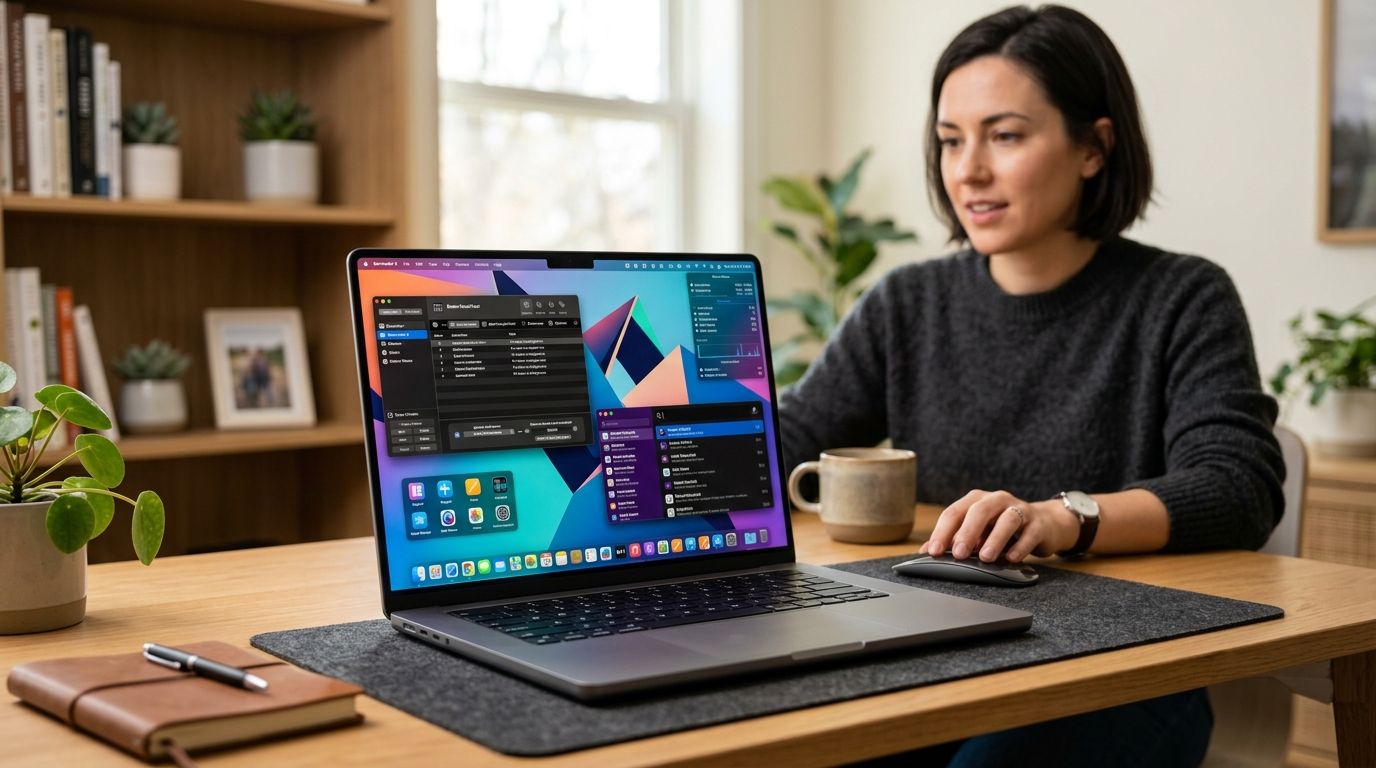
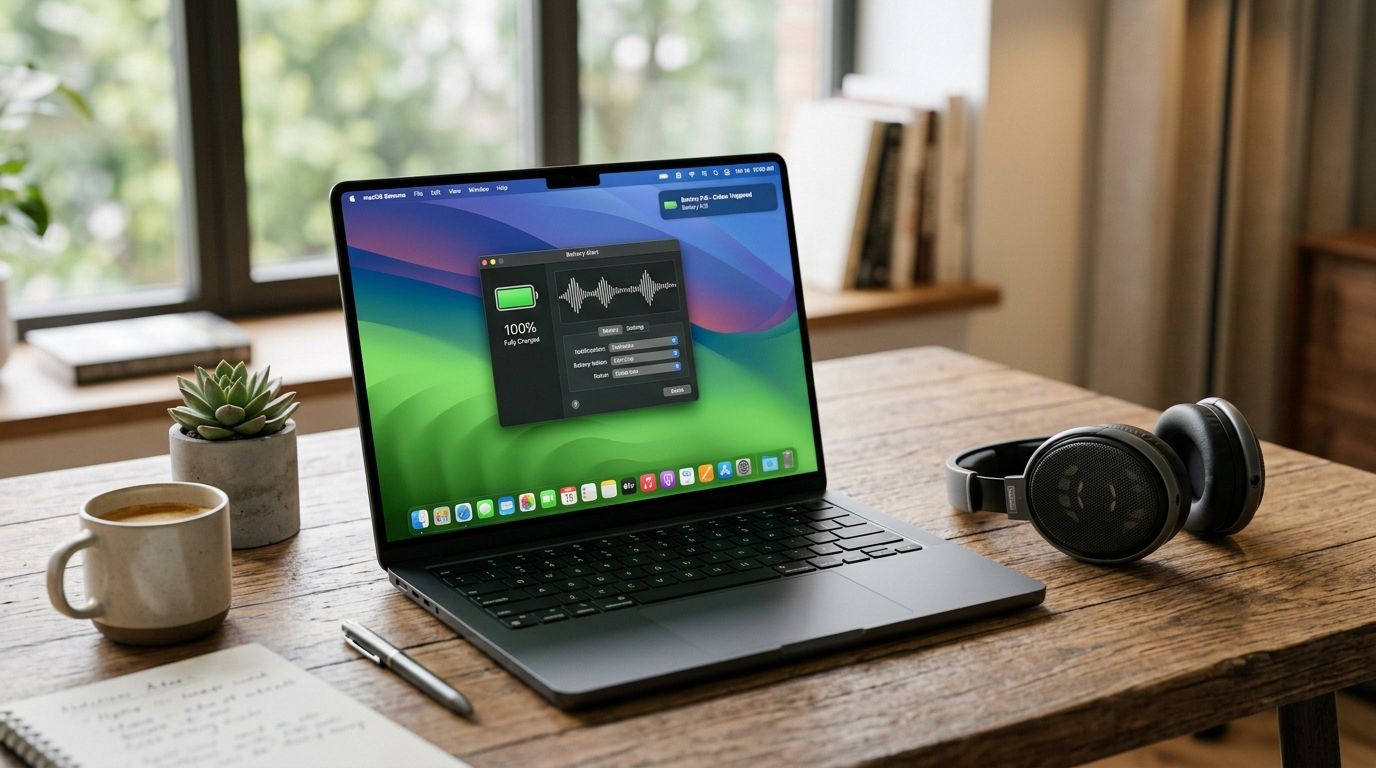
Mac users get a chime and a banner when the battery gets low. That's it. No personality, no distinct sound for plugged-in versus unplugged, nothing that tells you a device connected without looking at the screen — which is exactly the gap the best battery sound notification apps for Mac in 2026 are built to fill.
Best overall: FeelMyMac, for personality-driven voice reactions on plug-in, unplug, device connect, and low battery. Best free option: macOS's built-in Spoken Content feature, for basic battery announcements with zero installs. Best for custom automation: Keyboard Maestro, for anyone who wants a battery event to trigger more than just a sound.
- FeelMyMac wins overall among battery sound notification apps for Mac in 2026 with character voice reactions on plug-in, unplug, and low battery.
- macOS's built-in Spoken Content feature is the free option — robotic voice, no personality, works in minutes.
- Keyboard Maestro and BetterTouchTool trade personality for flexibility, letting a battery event trigger any macro or action.
- iStat Menus adds battery sound alerts on top of full system monitoring, useful if you already track CPU and temperature.
- Pick based on trigger coverage first — plug-in, unplug, device connect, and low battery aren't all covered by every app.
Why this matters
macOS gives you a visual battery banner that vanishes off-screen in seconds and a chime that sounds the same whether you're plugging in for the night or grabbing five minutes before a call. If you're wearing headphones, in another room, or just not staring at the menu bar, you miss it every time.
A battery-focused Mac app closes that gap by turning silent system events into something audible you actually notice — whether that's a distinct voice character or a custom macro. The right pick in 2026 depends on whether you want personality, automation, or just a free upgrade over the default chime.
What makes the best battery sound notification app for Mac
- Trigger coverage — fires on plug-in, unplug, device connect, and low battery, not just one event
- Sound personality — an actual voice or character, not the same three-note system chime
- Setup time — works within minutes out of the box, no macro-building required
- Menu bar footprint — sits quietly in the background instead of eating CPU or cluttering the dock
- Cost model — free and built-in, a one-time app purchase, or an ongoing automation tool
- Flexibility beyond sound — whether the same trigger can also run other actions, not just play audio
Battery sound notification apps for Mac at a glance
| App | Best for | Standout feature | Key limitation |
|---|---|---|---|
| FeelMyMac | Personality-driven battery and charging alerts | Character voice packs (Drama Queen, Angry, Cute, Robot) react to plug-in, unplug, device connect, and low battery | Paid app, macOS only |
| macOS Spoken Content | Free built-in battery announcements | Turns on inside System Settings, no install needed | Robotic system voice, battery-level focus only |
| Keyboard Maestro | Custom automation macros beyond sound | Power Source Change trigger can fire any macro, not just audio | Macro editor has a real learning curve |
| BetterTouchTool | Bundling battery alerts with full Mac customization | Attaches sound actions to power connect/disconnect plus gestures and shortcuts | Dense settings UI, overkill if sound is all you want |
| iStat Menus | Monitoring battery health plus threshold alerts | Custom alert thresholds tied to battery percentage and system sensors | Built for monitoring, not fun sound personalities |
1. FeelMyMac: best battery sound notification app for personality-driven alerts
FeelMyMac is a paid native macOS app that plays a character voice reaction whenever your Mac is plugged in, unplugged, connects to a device, or hits low battery. Instead of a generic chime, you pick a personality — Drama Queen, Angry, Cute, Robot — and it reacts to what your Mac is actually doing.
FeelMyMac pros:
- Covers all four core battery/power events out of the box: plug-in, unplug, device connect, low battery
- Multiple voice personalities instead of one system sound
- Native macOS app, lives in the menu bar
- No macro-building or automation knowledge needed
FeelMyMac cons:
- Paid app, not a free system tweak
- macOS only
- Voice personalities are a matter of taste — not everyone wants their laptop talking back
Best for: Mac owners who want their desktop to feel less like a spreadsheet and more like a character with opinions. Verdict: Buy.
2. macOS Spoken Content: best free battery sound notification option for Mac
Apple builds a basic version of this directly into System Settings under Accessibility > Spoken Content, where you can enable announcements for low battery and other spoken alerts using VoiceOver's system voice.
macOS Spoken Content pros:
- Free, already on every Mac running current macOS
- No third-party install or permissions
- Good enough for a basic low-battery heads-up
macOS Spoken Content cons:
- Robotic system voice, no personality options
- Limited mostly to battery-level announcements, not plug-in/unplug/device events as a set
- Settings buried a few menus deep in Accessibility
Best for: anyone who just wants a free upgrade over silence and doesn't care about character voices. Verdict: Hold — fine as a stopgap, not a long-term fix if you want full trigger coverage.
3. Keyboard Maestro: best for custom battery-triggered automation on Mac
Keyboard Maestro is a macro automation app with a dedicated "Power Source Changes" trigger, so you can build a macro that fires when your Mac switches between battery and AC power — and have it do more than play a sound if you want.
Keyboard Maestro pros:
- Power Source Changes trigger detects unplug/plug-in reliably
- Macro can play a sound, run a script, or chain multiple actions
- One-time purchase automation tool, not a subscription
Keyboard Maestro cons:
- Steep learning curve for the macro editor
- No built-in personality or voice packs — you're sourcing your own sound files
- Overkill if all you want is a battery alert
Best for: power users who already automate other parts of their Mac and want battery events folded into the same system. Verdict: Buy if you already use Keyboard Maestro for other macros; Skip if this would be your first automation tool.
4. BetterTouchTool: best for bundling battery alerts with full Mac customization
BetterTouchTool is a broader Mac customization utility — gestures, keyboard shortcuts, window management — that also lets you attach a sound action to power connect and disconnect events.
BetterTouchTool pros:
- One app covers battery sound alerts plus gestures, shortcuts, and window snapping
- Highly configurable trigger conditions
- Active development history and frequent updates
BetterTouchTool cons:
- Settings UI is dense, easy to get lost in for a simple battery-sound task
- No personality voices, just custom sound files you supply
- More app than you need if battery alerts are your only goal
Best for: people who already want a Mac customization tool and would rather not run five separate menu bar apps. Verdict: Hold unless you're already using it for gestures or shortcuts.
5. iStat Menus: best for battery health monitoring plus sound alerts
iStat Menus is a system monitoring app for CPU, memory, temperature, and battery, with configurable alert thresholds — including a sound alert when battery percentage crosses a level you set.
iStat Menus pros:
- Battery health and percentage tracking alongside the sound alert
- Custom thresholds, not just "low battery" as a single fixed point
- Useful if you're already tracking system sensors
iStat Menus cons:
- Built for monitoring dashboards, not personality or fun sound design
- No plug-in/unplug/device-connect voice reactions as a set
- Menu bar can get crowded if you enable every sensor
Best for: anyone who wants battery alerts as one feature inside a bigger system monitoring habit. Verdict: Hold — a monitoring tool first, a sound-alert tool second.
Give your Mac a voice in 2026
Pick a personality and hear your Mac react to every plug-in and unplug.
How we ranked these
Each app was weighed against the six criteria above: trigger coverage, sound personality, setup time, menu bar footprint, cost model, and flexibility beyond sound. FeelMyMac led on trigger coverage and personality; Keyboard Maestro and BetterTouchTool led on flexibility; macOS Spoken Content led on cost; iStat Menus led on tying battery alerts to health monitoring.
“If your Mac's battery alert doesn't make you smile at least once a day, the app is doing the bare minimum.”
Which battery sound notification app should you choose in 2026?
If you want your Mac to actually react — not just beep — FeelMyMac is the pick, especially if plug-in, unplug, device connect, and low battery all matter to you in one app. Want free and don't care about personality? Turn on macOS's Spoken Content feature and move on with your day. Already living inside Keyboard Maestro or BetterTouchTool for other automation? Add a battery trigger there instead of installing something new.
FAQ
What's the best battery sound notification app for Mac in 2026?
FeelMyMac is the best overall pick in 2026 for battery sound notifications on Mac because it covers plug-in, unplug, device connect, and low battery with character voice reactions instead of a generic chime.
Is there a free way to get battery sound alerts on Mac?
Yes — macOS's built-in Spoken Content feature under Accessibility settings can announce low battery using the system voice, at no cost and with no install.
Does macOS play a sound when you plug in the charger?
By default, macOS shows a visual battery banner rather than a distinct plug-in sound, which is why third-party apps exist to add an audible alert for that moment.
Can Keyboard Maestro detect when my Mac is unplugged?
Yes — Keyboard Maestro has a Power Source Changes trigger that fires when your Mac switches between battery and AC power, and you can attach any macro to it, including a sound.
Is FeelMyMac better than the default macOS battery chime?
FeelMyMac replaces the single generic chime with personality-driven voice reactions across four events — plug-in, unplug, device connect, and low battery — instead of one flat sound.
Do battery sound apps for Mac slow down the system?
Well-built menu bar apps like FeelMyMac, iStat Menus, and BetterTouchTool are designed to run in the background with minimal footprint, though heavier automation tools can add overhead if you stack many macros.
Which app should I use if I already customize my Mac heavily?
If you already run BetterTouchTool or Keyboard Maestro for gestures or shortcuts, adding a battery-triggered sound action to that same tool avoids running a separate app.
Can I get different sounds for plugging in versus unplugging on Mac?
Yes — FeelMyMac distinguishes between plug-in and unplug events with different voice reactions, and Keyboard Maestro or BetterTouchTool can be configured the same way with custom sound files.
One last thing
The macOS low-battery banner disappears from your screen within a few seconds — if you're away from your desk or wearing headphones, you never see it. That's the actual argument for a sound-based battery alert over a visual one, and it's the whole reason battery sound notification apps for Mac exist as a category in 2026.