You want your Mac's notch to either disappear, do something useful, or look exactly how you want it to — and picking between the apps that promise all three gets confusing fast. This guide ranks the real options for 2026 and tells you which one fits your actual habit, not just which one has the flashiest demo GIF.
- TopNotch is the best overall pick among best notch apps for Mac in 2026 for anyone who just wants the cutout gone.
- NotchNook wins for file and media multitasking with a drag-and-drop shelf built into the notch area.
- Boring Notch is the open-source pick for people who want to customize their own widget dashboard.
- None of these apps add personality or sound to your Mac — that's a separate layer entirely.
Why this matters
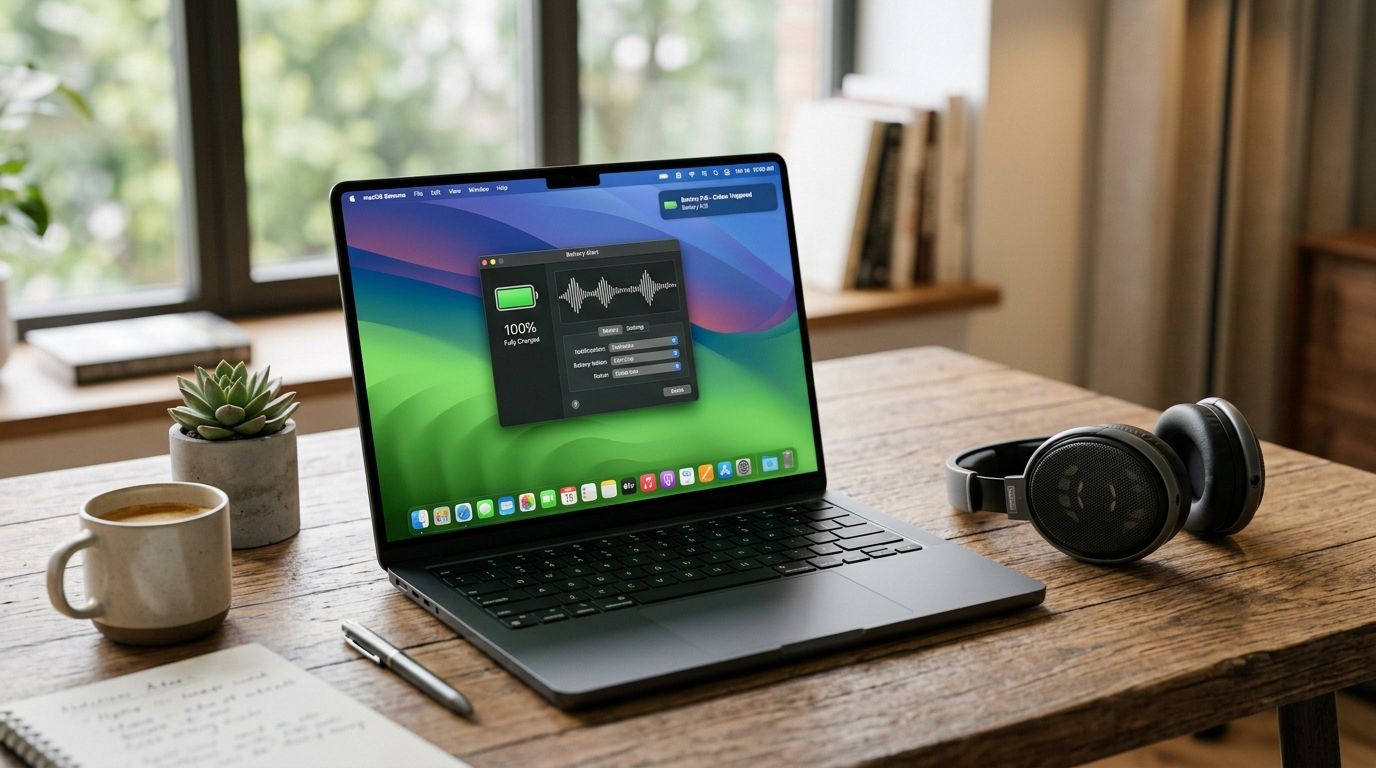
Apple put the notch on the 14-inch and 16-inch MacBook Pro back in 2021 and never gave it a native drop-down, shelf, or widget system. Five years later, that gap is still open, and third-party developers have been filling it one app at a time. If you're also building out a broader customization setup — menu bar tweaks, wallpaper tricks, sound personality — the notch is just one piece of a bigger project, and it's worth treating it that way rather than downloading the first thing that shows up in a search. FeelMyMac sits in that same customization world, though it works on a completely different part of your Mac: it reacts with voice lines when you plug in, unplug, or run low on battery, not the notch itself.
Most people land in one of three camps: they hate looking at the cutout, they want to turn it into something functional, or they want full control to build their own dashboard. The three apps below map directly onto those three camps.
Best notch apps for Mac in 2026, ranked
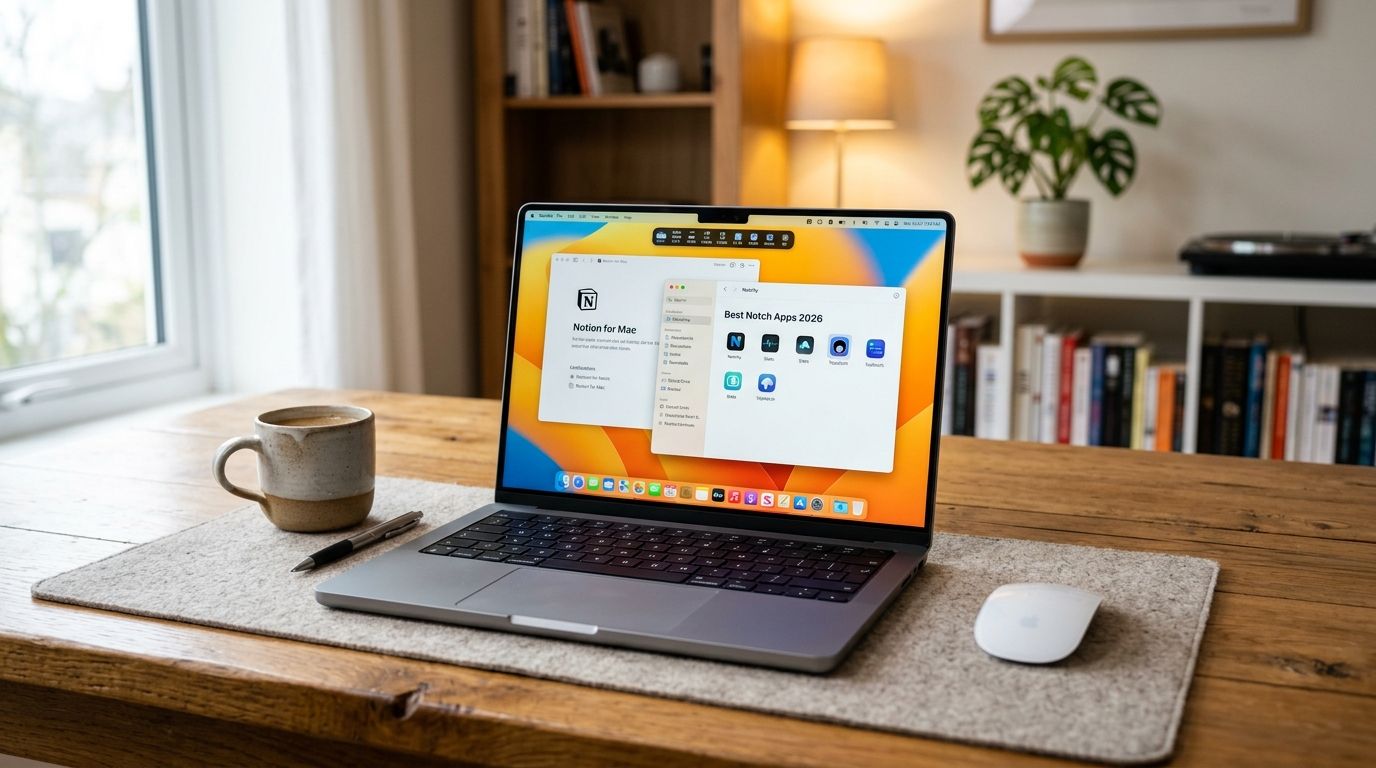
Best overall: TopNotch. Best for file and media multitasking: NotchNook. Best open-source pick: Boring Notch.
If you only read one line of this guide, that's the one to screenshot.
What makes a good notch app
- Respects the actual shape of the notch instead of just slapping a black bar under it
- One-click disable, especially useful during screen recording or presenting
- Low background memory footprint since it runs constantly
- Real drag-and-drop or media control support, not a floating panel that ignores the cutout entirely
- Simple settings that don't require five submenus to change one shortcut
- Active maintenance — macOS point updates break notch overlays more often than people expect
At a glance
| App | Best For | Standout Feature | Key Limitation |
|---|---|---|---|
| TopNotch | Hiding the notch entirely | One-click black-bezel camouflage | No widgets or shortcuts — purely cosmetic |
| NotchNook | File and media multitasking | Drag-and-drop shelf plus media controls inside the notch | Needs System Settings permissions enabled before drag zones work |
| Boring Notch | Open-source customization | Editable widget dashboard maintained by an open community | Longer setup, fewer polished defaults out of the box |
1. TopNotch: best notch app for hiding the cutout
TopNotch extends a black bezel around the notch so it visually blends into the screen bezel instead of standing out as a cutout. It's the simplest of the three apps here — no shelf, no widgets, just camouflage — which is exactly why it's the easiest recommendation for someone who just wants the notch to stop being visually distracting.
TopNotch pros:
- Free and open source, so there's no signup or account needed
- One toggle turns it on or off instantly
- Works whether or not you're using an external display
TopNotch cons:
- Purely cosmetic — it doesn't add any functionality to the notch area
- No customization beyond on/off
Best for: anyone who wants the notch visually gone with zero setup time.
Verdict: Buy. There's no real reason not to run this if the notch bothers you — it does one job and does it immediately.
2. NotchNook: best notch app for file and media multitasking
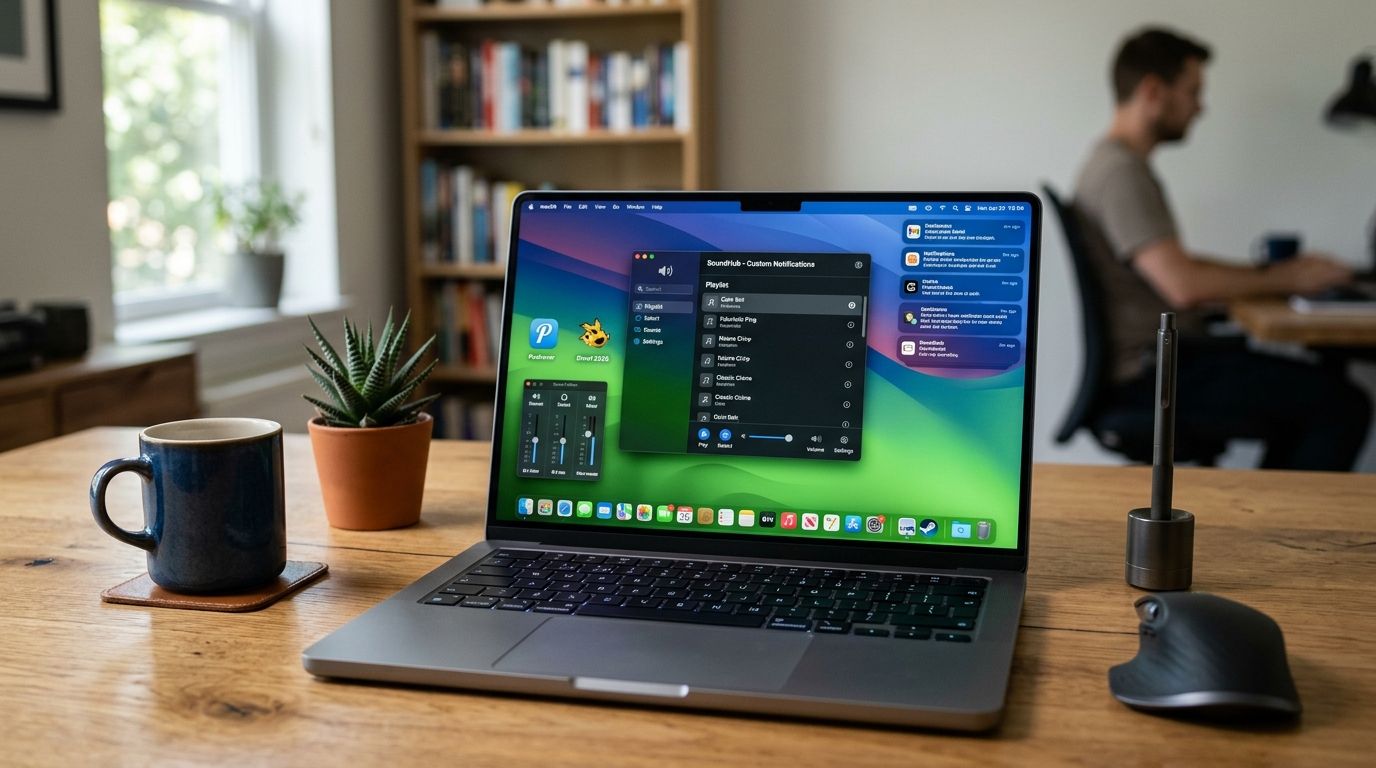
NotchNook turns the notch into an active drop zone. Drag a file toward it and a shelf opens for temporary storage; hover for media playback controls or a quick camera mirror. It treats the notch as real estate instead of a flaw to hide, which is a meaningfully different approach than TopNotch takes.
NotchNook pros:
- Combines a file shelf, media controls, and mirror in one spot
- Feels native to the notch's actual shape rather than bolted on
- Useful if you regularly drag files between apps or windows
NotchNook cons:
- Requires granting permissions in System Settings before drag zones activate
- Can feel like overkill if you rarely move files manually
- Check the developer's current listing for platform requirements and access details before installing
Best for: people juggling multiple apps and files who want one central spot instead of switching windows constantly.
Verdict: Buy if you multitask heavily. Skip if your workflow rarely involves dragging files or controlling media from the menu bar.
3. Boring Notch: best open-source notch app for customization
Boring Notch is a community-maintained, open-source project that drops a dashboard down from the notch — calendar, battery status, and custom widgets you can adjust yourself. It's the pick for people who want to shape the tool rather than accept someone else's defaults.
Boring Notch pros:
- Free and open source, with an active contributor community
- Widget layout is editable, not fixed
- Transparent development — you can see exactly what it does before installing
Boring Notch cons:
- Setup takes longer than TopNotch or a plug-and-play paid app
- Fewer polished default widgets compared to a dedicated commercial product
- Occasional rough edges after macOS updates until the community patches them
Best for: tinkerers who want control over their notch dashboard and don't mind a little setup friction.
Verdict: Buy if you enjoy customizing your own tools. Hold if you want something that works perfectly the moment you open it.
How we ranked these
Each app was compared against the six criteria above — toggle simplicity, footprint, drag/media support, settings clarity, and how actively it's maintained — based on public app documentation and current listing details as of 2026. TopNotch wins on simplicity, NotchNook wins on functionality, and Boring Notch wins on control. None of the three claim to do all three jobs at once, and that's the honest reason this list has three winners instead of one.
“If a notch app can't be toggled off with one click, it's not worth keeping running in the background.”
Pair it with a personality, not just a notch tool
None of the three apps above make your Mac feel like it has a personality — they manage a physical cutout, not the emotional experience of plugging in a charger at 2am. That's a different layer of customization entirely, and it's where FeelMyMac fits in. FeelMyMac plays voice reactions — Drama Queen, Angry, Cute, Robot, and more — when you plug in, unplug, connect a device, or run low on battery. It doesn't touch the notch at all, but if you're already stacking utilities to make your Mac feel more yours in 2026, it's the kind of app that rounds out the setup without competing with anything on this list.
Give your Mac a personality too
Voice reactions for plug-in, unplug, and low battery moments.
Which notch app should you choose?
If you just want the notch to stop bothering you visually, download TopNotch first — it's free, takes under a minute to set up, and does exactly one job well. If you're managing files and media constantly, move up to NotchNook for the added shelf and controls. If you like building your own tools and don't mind some setup time, Boring Notch gives you the most control of the three. For most people asking about the best notch apps for Mac in 2026, TopNotch remains the safest starting point, with room to add NotchNook or Boring Notch later if you want more from the space.
FAQ
What's the best notch app for Mac in 2026?
TopNotch is the best overall notch app for Mac in 2026 because it hides the cutout with one toggle and costs nothing to try. NotchNook and Boring Notch are better picks if you want functionality or customization instead of just cosmetics.
Is NotchNook worth installing?
NotchNook is worth it if you regularly drag files between apps or want media controls accessible from the notch area. If your workflow rarely involves manual file movement, the extra permissions it requires aren't worth the setup.
Do I need a notch app if my Mac doesn't have a notch?
No. Notch apps only apply to MacBook Pro models with the cutout, introduced starting with the 2021 14-inch and 16-inch redesign. Older MacBooks and Mac desktops don't have a notch to manage.
Can notch apps slow down my Mac?
A well-maintained notch app runs as a lightweight background process and shouldn't cause noticeable slowdown. If an app feels sluggish after a macOS update, check whether the developer has released a compatibility patch before assuming it's your Mac.
Are TopNotch, NotchNook, and Boring Notch free?
TopNotch and Boring Notch are free and open source. NotchNook's exact access model can change, so check its current listing before installing rather than assuming a fixed cost.
Does FeelMyMac work with notch apps?
FeelMyMac runs independently of any notch app since it reacts to plugging in, unplugging, and battery events rather than the notch area itself. You can run it alongside TopNotch, NotchNook, or Boring Notch without conflict.
What's the difference between a notch app and a menu bar app?
A notch app specifically uses the physical cutout on newer MacBook Pro screens for shelves, widgets, or camouflage. A menu bar app lives in the status bar strip and doesn't interact with the notch's shape at all.
Will Apple ever build these notch features natively?
Apple hasn't added native drop-down or widget functionality to the notch since introducing it in 2021, which is exactly why third-party apps like TopNotch, NotchNook, and Boring Notch still exist in 2026.
One last thing
The notch has been sitting on MacBook Pro screens since 2021 with no native software layer from Apple — every drop-down shelf, every widget, every camouflage trick you've seen is the work of independent developers filling a gap Apple left open. That's unlikely to change in 2026, which means the app you pick today is probably the app you'll be running for the next few macOS versions. Pick based on what you'll actually use daily, not which one looks best in a screenshot.