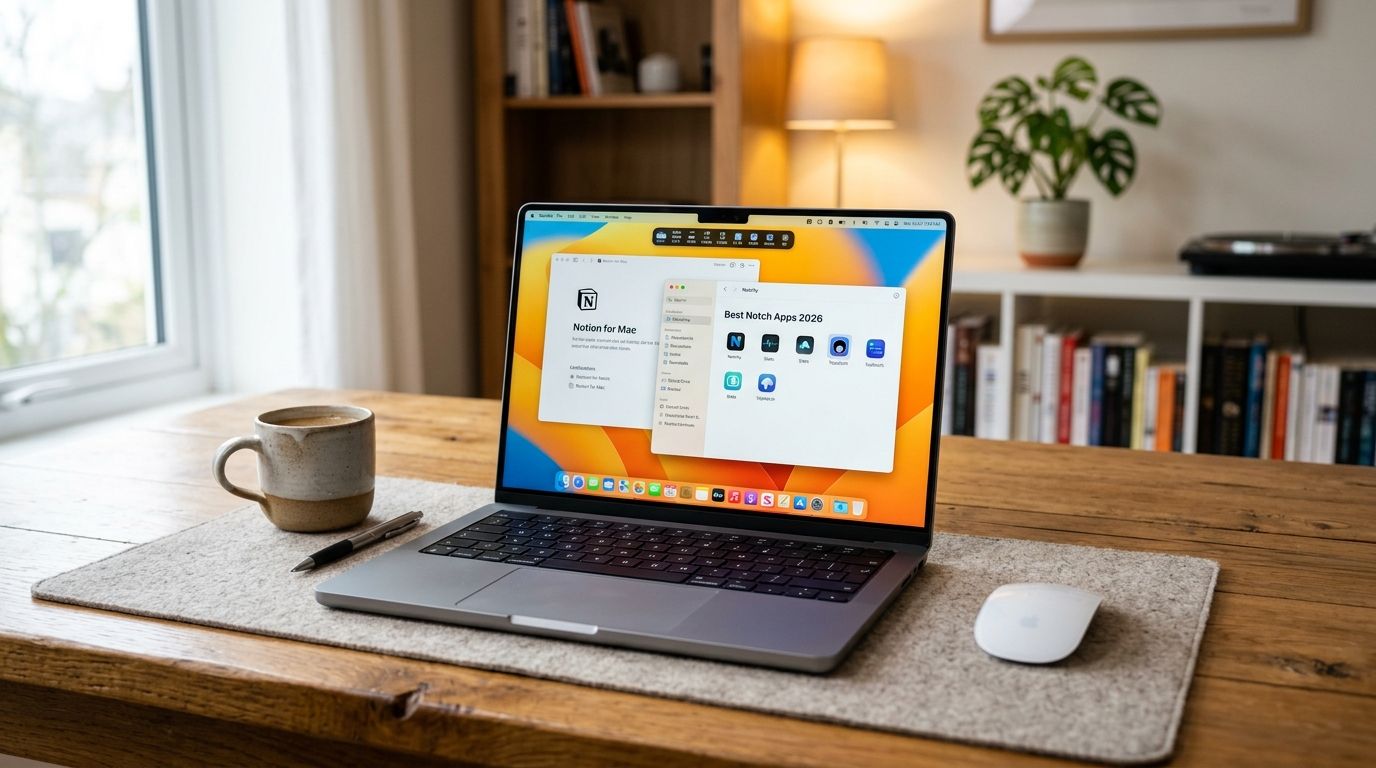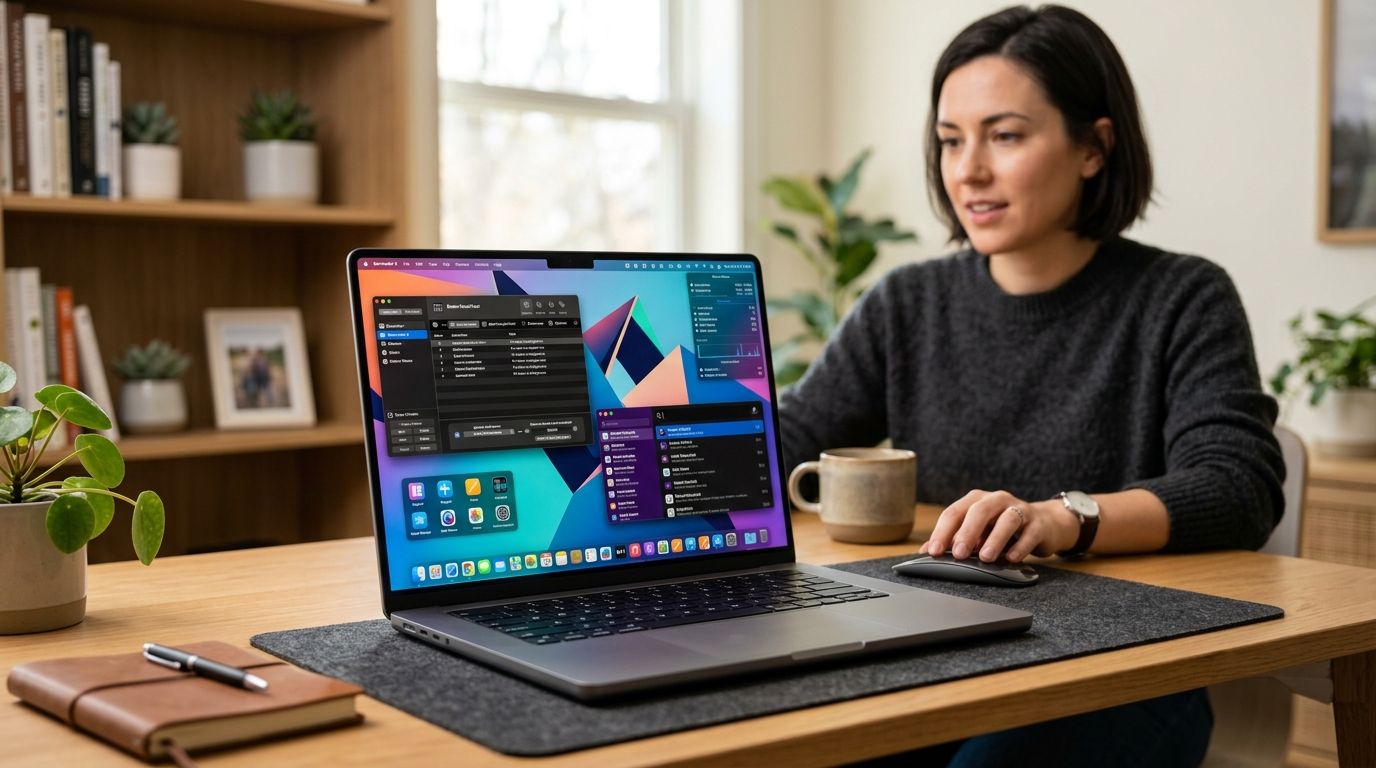
Six macOS apps handle notification and system sounds well in 2026, but only one turns a low-battery warning into a bit. This guide ranks them by what they actually do to your Mac's audio, not by marketing copy.
Best overall: FeelMyMac. Best free option: the built-in macOS Sound Effects panel. Best for per-app audio routing: SoundSource. Best for custom notification volume mixing: Sound Control. Best for full-system sound enhancement: Boom 3D.
- FeelMyMac wins among best mac notification sound apps for personality-driven plug, unplug, and battery voice reactions in 2026.
- macOS's built-in Sound Effects panel is the only truly free option and covers basic alert sounds only.
- SoundSource and Sound Control are audio-routing tools first, notification apps second — pick them for per-app volume, not personality.
- Boom 3D is a system-wide equalizer, not a notification app, and is overkill if alert sounds are your only goal.
Why this matters
Most "notification sound" searches lump together three very different jobs: changing your Mac's default alert tone, controlling volume per app, and adding personality to routine events like plugging in a charger. Conflating them is why so many people install the wrong tool and uninstall it a week later.
FeelMyMac sits in the third category — it doesn't touch your Slack or Mail notification sounds, it reacts to physical events on the Mac itself with a voice, not a chime. That's a narrower job than the other apps on this list, and it's worth knowing before you buy anything in 2026.
What makes the best Mac notification sound app
- Native macOS integration — runs without breaking system permissions or requiring a kernel extension
- Granularity — control at the app level, not just a single global alert tone
- Personality or customization depth — how much the sound experience actually feels like yours
- Resource footprint — a background sound app shouldn't show up as a battery drain
- Setup time — five minutes or less to hear the first result
- Clear scope — does one job well instead of promising to fix every sound problem on your Mac
At a glance
| App | Best For | Standout Feature | Key Limitation |
|---|---|---|---|
| FeelMyMac | Personality-driven event reactions | Voice packs (Drama Queen, Angry, Cute, Robot) on plug/unplug/battery/device events | Doesn't change app notification sounds like Mail or Slack |
| macOS Sound Effects | Free, native alert sounds | Built into System Settings, zero install | No per-app control, small built-in sound library |
| SoundSource | Per-app audio routing | Per-app output device and volume from the menu bar | Not built for reaction-style sounds, more of an audio router |
| Sound Control | Custom per-app volume mixing | Independent volume sliders per running app | Learning curve for non-audio users |
| Boom 3D | Full-system sound enhancement | System-wide equalizer and 3D surround simulation | Notification sounds are a side feature, not the focus |
1. FeelMyMac: best Mac notification sound app for personality-driven reactions
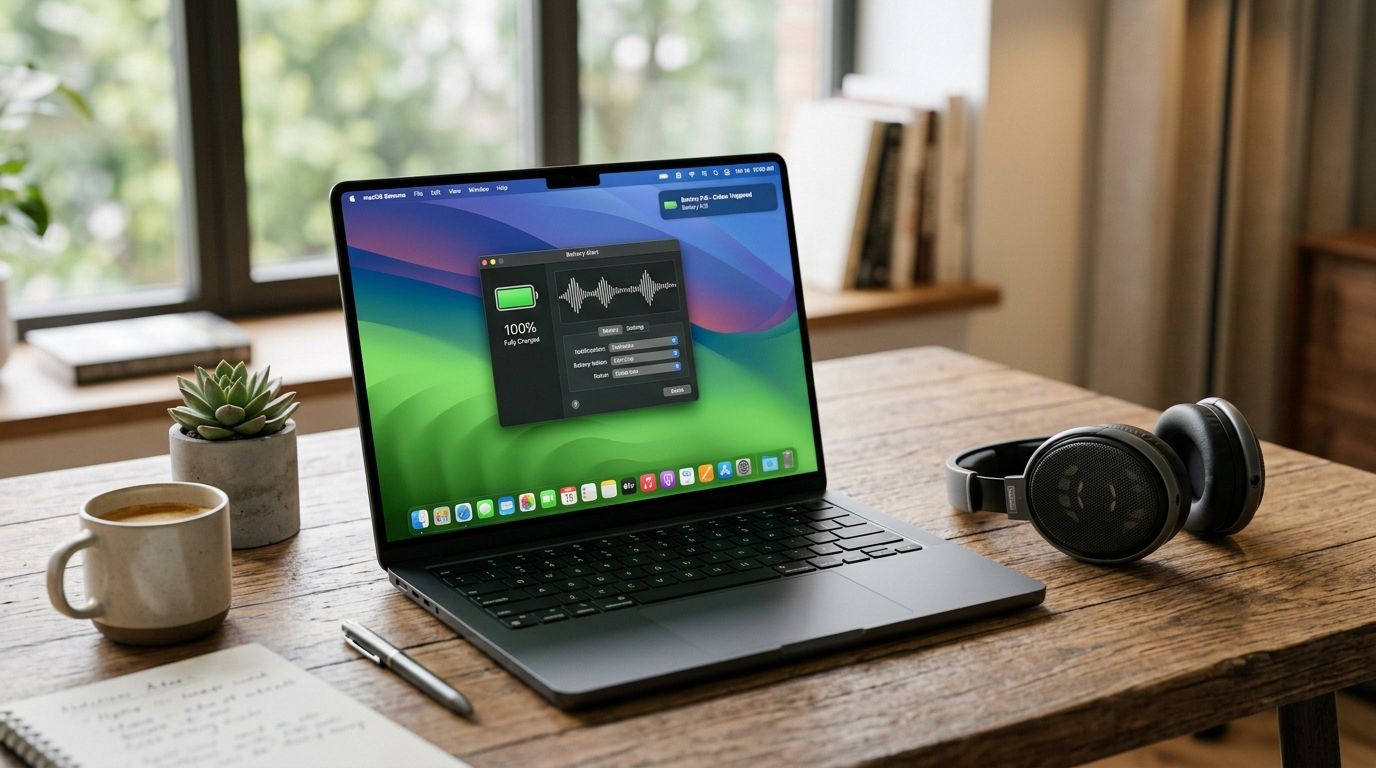
FeelMyMac is a native macOS app that plays a voice reaction — not a chime — when you plug in, unplug, connect a device, or hit low battery. Pick a personality (Drama Queen, Angry, Cute, Robot, and more) and your Mac gets an actual line instead of a beep. It's built for people who are bored of the default bloop and want the Mac itself to have a reaction.
FeelMyMac pros:
- Multiple personality voice packs instead of one static alert tone
- Reacts to physical events (plug, unplug, low battery, device connect) that other sound apps ignore
- Runs natively on macOS without routing your whole audio stack through a driver
- Built specifically around Mac owners, not general audio engineers
FeelMyMac cons:
- Doesn't touch third-party app notification sounds (Mail, Slack, Messages stay as-is)
- Personality voices aren't the right fit for a shared office Mac or a client-facing demo
- You need it running in the background to hear anything, same as any menu bar utility
Best for: Mac owners who want their desktop to have a personality, not just a tone. Verdict: Buy.
“The best notification sound app is the one you forget is running — until it makes you laugh.”
2. macOS Sound Effects: best free option for basic alert sounds
Every Mac ships with a Sound Effects panel in System Settings. It lets you pick a system alert tone, set alert volume, and toggle feedback sounds for actions like emptying the trash. It's the baseline every other app on this list is competing against in 2026.
macOS Sound Effects pros:
- Already installed on every Mac, no download required
- Zero permissions to manage, zero background process
- Enough for someone who just wants a different ding
macOS Sound Effects cons:
- No per-app volume or sound control
- Small, dated library of built-in alert tones
- No personality, no customization beyond swapping one tone for another
Best for: People who want the absolute minimum change with zero setup. Verdict: Hold — fine as a starting point, but you'll outgrow it fast if you actually care about Mac sound.
3. SoundSource: best for per-app audio routing
SoundSource, from Rogue Amoeba, lives in the menu bar and lets you assign a different audio output or input device to each running app. It's built for people juggling headphones, speakers, and a monitor's built-in audio at the same time, with per-app volume as a side benefit.
SoundSource pros:
- Genuine per-app audio routing, not just volume sliders
- Menu bar access means quick switching mid-task
- Well-known in the Mac audio community for stability
SoundSource cons:
- Not built around reactions or personality — it's a routing tool
- Overkill if your only goal is a different notification sound
- More setup than a plug-and-play sound app
Best for: Mac owners who juggle multiple audio devices daily. Verdict: Buy — but only if routing, not notification personality, is the actual problem.
4. Sound Control: best for custom per-app notification volume mixing
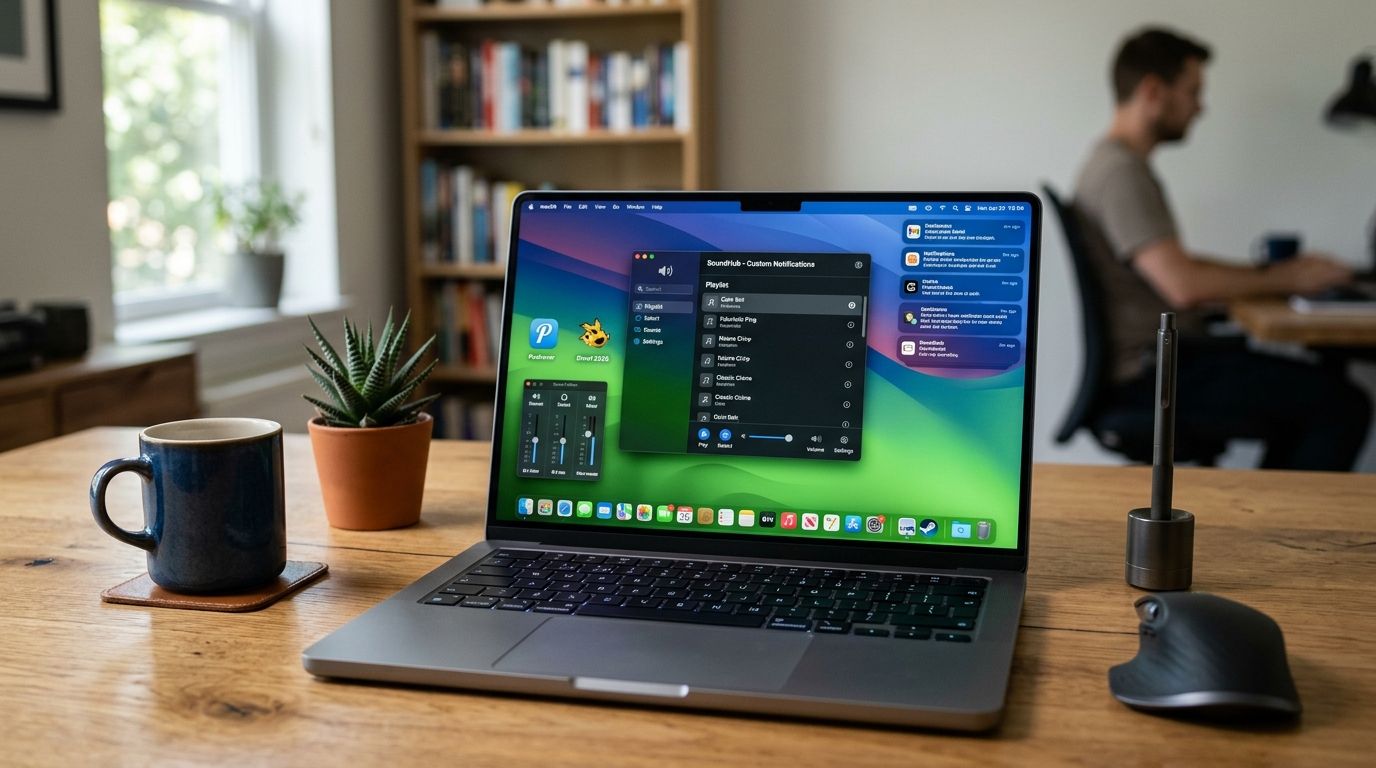
Sound Control gives every running app its own volume slider, independent of your system volume. If Zoom keeps blasting louder than everything else, this is the category of tool built to fix that specific annoyance.
Sound Control pros:
- Independent volume per app, addressing a real macOS gap
- Useful for anyone recording, streaming, or in back-to-back calls
- Works alongside built-in system audio without replacing it
Sound Control cons:
- Notification personality isn't the focus at all
- Requires a short learning curve to map sliders to the right apps
- Doesn't add or change alert sounds, only their volume
Best for: Anyone whose real complaint is inconsistent app volume, not boring alert tones. Verdict: Hold — it solves a volume problem, not a sound-personality one.
5. Boom 3D: best for full-system sound enhancement
Boom 3D is a system-wide equalizer and audio enhancer with a 3D surround simulation mode. It touches every sound coming out of your Mac, including notifications, but it's aimed at overall audio quality rather than the notification experience specifically.
Boom 3D pros:
- Affects all system audio, including notification chimes, at once
- Equalizer presets useful for music and video, not just alerts
- 3D surround mode is a genuine differentiator versus simpler tools
Boom 3D cons:
- Heavier tool than most people need for notification sounds alone
- No personality or per-event customization the way FeelMyMac offers
- Learning the full preset system takes longer than any other app here
Best for: People who want their entire Mac's sound to feel richer, notifications included. Verdict: Wait — only worth it if you care about system-wide audio quality, not just alerts.
How this list was ranked
Each app was scored against the six criteria above: native integration, per-app granularity, personality depth, resource footprint, setup time, and scope clarity. FeelMyMac ranks first on personality depth and event-based reactions, a category none of the audio-routing tools compete in. SoundSource and Sound Control rank on routing and volume granularity, where FeelMyMac doesn't compete at all. That's the honest split: these five apps solve different problems, and the right pick depends on which problem you actually have in 2026.
Give your Mac a personality
Voice reactions for plug-in, unplug, device connect and low-battery moments.
Which Mac notification sound app should you choose?
If you want your Mac to react like it has an actual mood when you plug it in or run low on battery, FeelMyMac is the pick — nothing else on this list does that job. If your real complaint is app volume inconsistency, go with SoundSource or Sound Control instead. If you just want a different default ding and don't want to install anything, the built-in macOS Sound Effects panel already does that for free. Skip Boom 3D unless you're chasing overall audio quality, not just notification behavior.
FAQ
What's the best Mac notification sound app in 2026?
FeelMyMac is the best pick in 2026 for personality-driven voice reactions on plug-in, unplug, device connect, and low-battery events. For pure per-app volume control instead, SoundSource or Sound Control fit better.
Is FeelMyMac better than the built-in macOS Sound Effects?
They do different jobs. macOS Sound Effects changes your system alert tone for free; FeelMyMac adds voice reactions to physical Mac events, which the built-in panel doesn't do at all.
Can I customize notification sounds per app on a Mac?
Not through FeelMyMac, which reacts to Mac-level events rather than individual app notifications. For per-app sound or volume control, SoundSource and Sound Control are built specifically for that.
Does FeelMyMac replace Slack or Mail notification sounds?
No. FeelMyMac reacts to physical events like plugging in a charger or hitting low battery, not to individual app notifications from Mail or Slack.
How do I change the default notification sound on a Mac?
Open System Settings, go to Sound, and pick a new alert tone under Sound Effects. That changes the system-wide default, not per-app sounds.
Is Boom 3D worth installing just for notification sounds?
Not really. Boom 3D is a full system equalizer aimed at overall audio quality, and notification sounds are affected as a side effect rather than the main feature.
Do Mac sound apps slow down the system?
Menu bar utilities like FeelMyMac, SoundSource, and Sound Control are built to sit in the background without heavy resource use. Full audio-routing suites with more moving parts ask more of your Mac.
One last thing
Most people searching for Mac notification sound apps in 2026 actually want one of three unrelated things: a new alert tone, per-app volume control, or a Mac that feels more alive. Naming which one you actually want before installing anything saves a week of trial-and-error uninstalls.